Charity Website Launched Pro Bono to Support Green Hope

27.01.2026
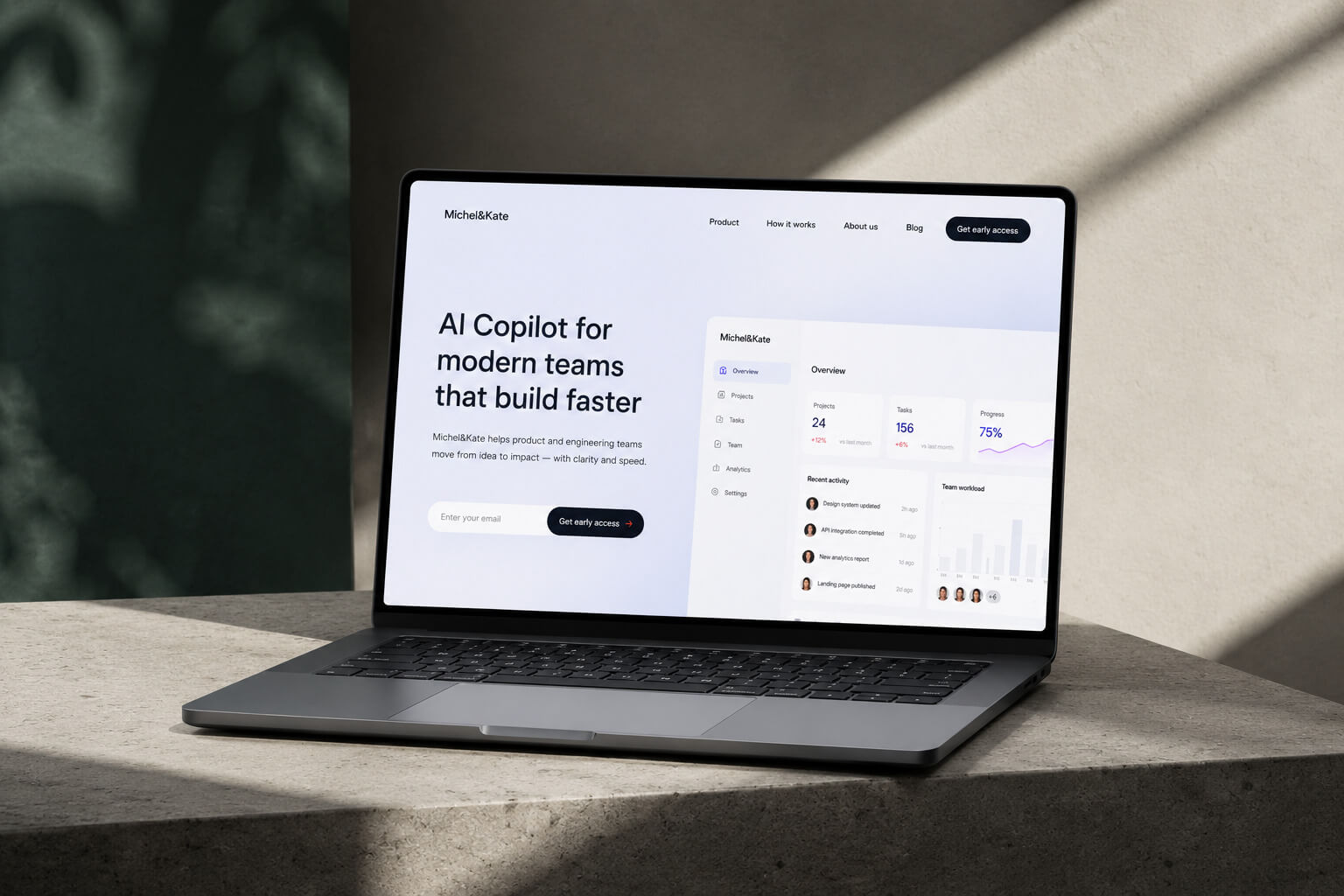
A new website for the local charity Green Hope has been designed and developed by our team as part of a pro bono initiative. The project focused on improving accessibility and creating clear, intuitive pathways for donations and volunteer engagement.
The updated platform introduces a more inclusive design, with high-contrast visuals, screen reader compatibility, and simplified navigation. These changes aim to make the website easier to use for a wider audience, while also streamlining key actions such as contributing to campaigns or signing up to participate in community projects.
Particular attention was given to the donation flow, which has been restructured to reduce friction and guide users step by step. Early feedback shows an increase in completed donations and a more consistent engagement with volunteer programs, indicating that the new structure supports user intent more effectively.
The project reflects a broader commitment to using design and technology for social good. By contributing their expertise, the team aimed to support Green Hope’s mission.
The updated platform introduces a more inclusive design, with high-contrast visuals, screen reader compatibility, and simplified navigation. These changes aim to make the website easier to use for a wider audience, while also streamlining key actions such as contributing to campaigns or signing up to participate in community projects.
Particular attention was given to the donation flow, which has been restructured to reduce friction and guide users step by step. Early feedback shows an increase in completed donations and a more consistent engagement with volunteer programs, indicating that the new structure supports user intent more effectively.
The project reflects a broader commitment to using design and technology for social good. By contributing their expertise, the team aimed to support Green Hope’s mission.


Set Up the Feed Tile & Post Template Pages
Use these blocks to create custom templates for both the feed tile page and the post page. Before publishing, you'll need to configure them.
To set them up:
1. Create a feed tile page and specify template ID 144453986.
2. Create a post page and specify template ID 144925116.
3. Go to Feeds → Select your feed → Feed Settings → Template and choose the post page from the list. View guide
4. Return to the page editor and connect your Feed fields to the corresponding Zero Block elements on both the feed tile page and the post page. View guide
To connect the fields:
Go to the required page and open Zero Block.
Select the element you want to connect to the feed content.
In the element settings, choose the corresponding feed field.
Repeat these steps for all required elements on both the feed tile page and the post page.
For detailed instructions, see the Help Center.
Use these blocks to create custom templates for both the feed tile page and the post page. Before publishing, you'll need to configure them.
To set them up:
1. Create a feed tile page and specify template ID 144453986.
2. Create a post page and specify template ID 144925116.
3. Go to Feeds → Select your feed → Feed Settings → Template and choose the post page from the list. View guide
4. Return to the page editor and connect your Feed fields to the corresponding Zero Block elements on both the feed tile page and the post page. View guide
To connect the fields:
Go to the required page and open Zero Block.
Select the element you want to connect to the feed content.
In the element settings, choose the corresponding feed field.
Repeat these steps for all required elements on both the feed tile page and the post page.
For detailed instructions, see the Help Center.